From idea to launch: Plan your online advent calendar week by week, without the stress. Plus an AI prompt to create your own timeline.
The advent calendar countdown is on
Yeah, you’re really keen to create an online advent calendar this year, but you’re not sure whether you’ve still got enough time to pull it off? Or perhaps you’re simply missing a plan that tells you what needs doing and when? Donut worry 🍩 With my tried-and-tested timeline, you can get your advent calendar ready on time, without any last-minute panic.
Here’s your roadmap to the perfect digital advent calendar countdown, starting in early November (and, in my version, not ending until after the new year’s). Get ready for a smooth-running project and, more importantly, a relaxed run-up to Christmas. 😊
For this example, we’ll assume you’re hosting your advent calendar on your website and keeping in touch with participants via your newsletter.
👉 Find out how to build the pages you’ll need in my article on which advent calendar pages do you need?
Table of contents
November – laying the groundwork
First week of November
Let’s get going! This is the perfect time to get the foundations of your digital advent calendar in place. Here are your main tasks for the week:
- Define your advent calendar theme and brainstorm some initial ideas for filling all 24 doors.
- Create an appealing landing page with a sign-up form connected to your email marketing tool, so you can collect your participants’ contact details.
- Set up your first automation: The “You’re in!” confirmation email that goes out after someone signs up.
- Put the entire sign-up process through its paces. Test everything thoroughly.
A few landing pages to inspire you (by all means, get inspired, but please don’t copy and paste):
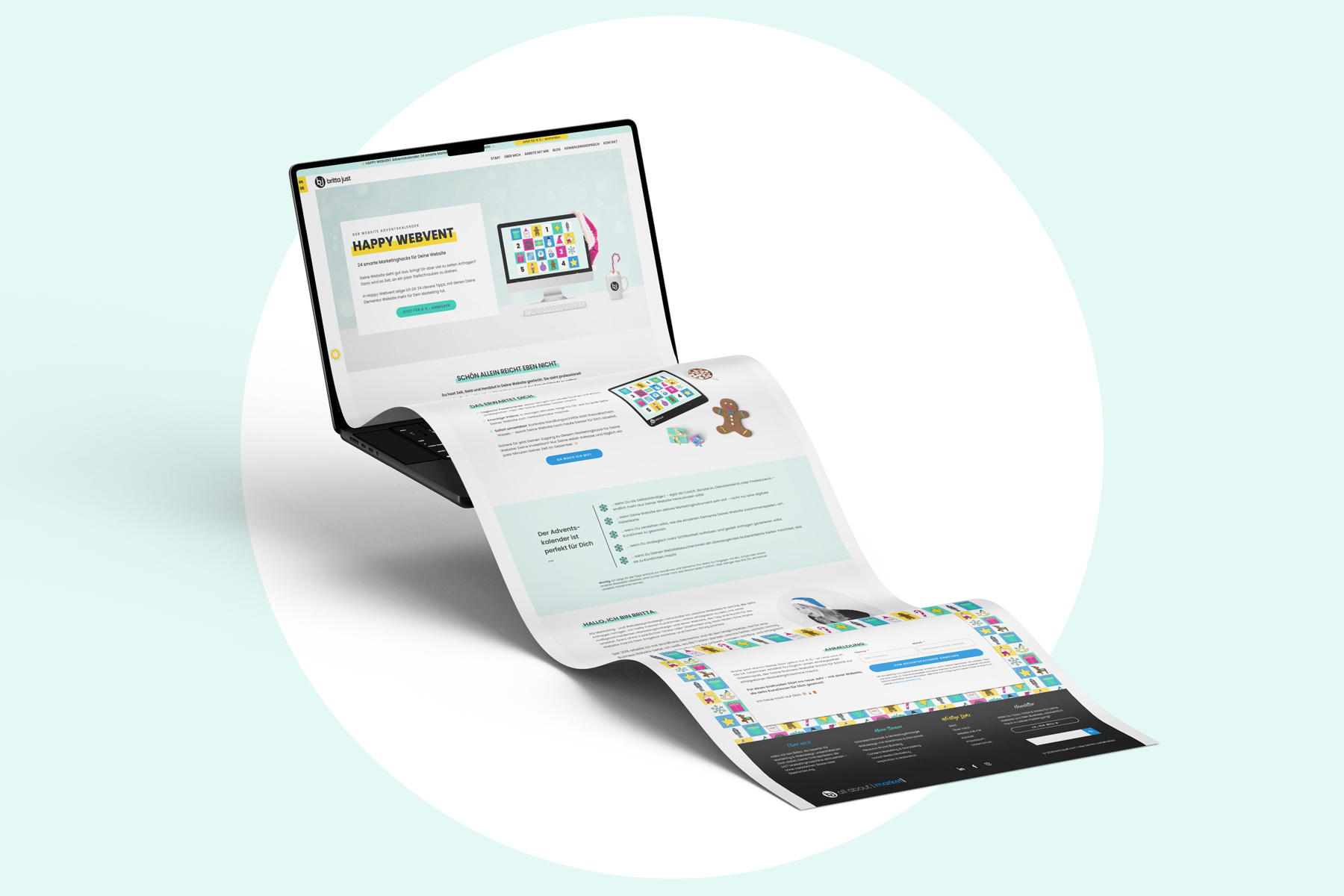
- My own website advent calendar, Happy Webvent
- My business bestie Susanne’s advent calendar, Marketing einfach machen
- My client Gabriele’s advent calendar, Familienzeit im Advent, from Die Eltern Akademie
Second week of November
Now it’s time to get visible. Yes, you read that right: You start drumming up interest in your advent calendar before you’ve even created the first door. After all, you want as many people as possible to hear about it.
- Start promoting your calendar: Spread the word across all your channels and invite people to join.
- Use your social media channels to build anticipation, share behind-the-scenes snippets and bring your community along for the ride.
- Ask your network to help spread the word.
- Once that’s underway, you can start creating the content for your first few doors.
I explain how to approach this in detail in my advent calendar promotion tips.
Third week of November
Now things are getting real. This week, you’ll create the framework for your advent calendar itself: The overview page and the template for your individual door pages.
- Create an overview page that you can direct participants and latecomers to, giving them access to all the doors that have already opened.
- Create a template for the individual door pages.
- Keep producing content for the next few doors.
- Fill the first doors with your content.
- Keep promoting your calendar across all your channels.
Fourth week of November
Only a few days to go until launch! Now it’s time to bring all the individual pieces together, set up your automations and finish the final preparations. Have you prepared all your emails and uploaded the content? One last check will help you get started without the last-minute scramble.
- Fill more doors with content.
- Create and schedule the automated emails for the first few doors.
- Keep promoting your calendar. No need to take your foot off the accelerator just yet!
No need to panic: If you’ve filled the first six or seven doors and scheduled the emails, you can comfortably plan the remaining doors and emails during the first few days of December.
Tip: Add a little countdown to your sign-up page, ticking down to 1 December. It builds curiosity and encourages your community to sign up before the doors start opening.
December – the calendar is live
First week of December
Here we go! 🎉 On 1 December, your participants open the first door. Your main focus now is making sure everything runs smoothly and keeping your calendar on people’s radar.
- Update your “You’re in!” automation with a link to the overview page, so latecomers can access all the doors that have already opened.
- Check that the emails are going out as planned and that all the doors are working properly.
- Plan the remaining doors and emails.
- Keep promoting your calendar. New participants may still join, perhaps because someone has recommended it to them.
Extra tip: Celebrate the launch of your advent calendar and enjoy the ride!
Second week of December
Now you can take a breath and enjoy the festive season. Your calendar is up and running!
- Plan the remaining doors and schedule the rest of your emails.
- You can gradually ease off the promotion.
Third week of December
More than half of your calendar is now open, and the rest is running on autopilot. Time to prepare a few more emails and enjoy the run-up to Christmas with your favourite people.
- Check the access figures for your doors and videos. Are there any clear favourites? You could send links to your three most popular pieces of content to the rest of your mailing list at Christmas – in other words, those who haven’t taken part in the calendar.
- Plan and schedule your Christmas email, along with a reminder telling participants they’ll have access until and including 6 January. That way, you can genuinely switch off over the holidays.
Fourth week of December
Enjoy Christmas with your loved ones and, ideally, leave your computer switched off.
- On 24 December, send your participants the email containing the final door and your Christmas greetings. At the same time, send the Christmas email with your little surprise (see the third week of December) to the rest of your mailing list.
- At the end of December, send your participants a reminder explaining how long they’ll still have access. I usually keep mine available until and including 6 January, because many people have time between Christmas and New Year to catch up on content they missed just before Christmas.
Thought your advent calendar was over by then? Think again. There’s more to come …
January – review and make the most of it
First week of January
You’re still recovering from New Year’s Eve at your own leisurely pace while your automated email with New Year’s greetings and the final access reminder goes out in the background.
Second week of January
After 6 January, don’t switch off your advent calendar completely. Instead, turn it into a waiting list for next year. That way, anyone who clicks on one of your links now can sign up for the next calendar straight away.
- Ask your participants for valuable feedback.
- Review the results: What worked well, what didn’t, and what would you like to do differently next time?
- Think about how you want to stay in touch with your participants and invite them to take the next step on their customer journey.
You can find out how to turn your calendar into a gentle sales tool in my upcoming article on using your advent calendar as a sales tool (article coming soon).
Important tips for the whole process
- No stress: You don’t need all 24 doors ready by November. Plan and prepare the first seven or eight completely, and leave yourself some time to work on the rest in December.
- Automation is your friend: Use it wisely to schedule your emails and save yourself valuable time in December.
- Don’t forget the latecomers: Make sure participants who join later can still open all the doors that have already gone live.
- Keep track of what you learn: Document your findings so planning next year becomes even easier. You’ll already have the basic structure in place, including your landing page, overview page, door templates and newsletter templates.
With this timeline, you’ll have all the important milestones in view and can run your digital advent calendar professionally and without unnecessary stress. And the best bit? While your participants open a new door every day, you can sit back and enjoy the festive season. Now, if that isn’t a lovely way to spend the run-up to Christmas, I don’t know what is!
Your AI prompt: Create a timeline that works for you
My timeline assumes the ideal scenario: You start in early November, have enough time to prepare and can get everything done without rushing.
Real life doesn’t always play along. 😉 Perhaps you’re only reading this in mid-November, only have two days a week available or want to have everything finished earlier. In that case, let AI create a timeline that fits your actual situation.
Copy the following prompt into your AI tool and replace the details in square brackets:
You are my project planner. Create a realistic timeline for my digital advent calendar.

My calendar starts on: 1 December

Today’s date: [today’s date]

Time I have available per week: [e.g. 3 hours, on Tuesdays and Thursdays only]

What I’ve already completed: [e.g. theme decided, landing page still missing]

My channel: My own website plus newsletter

My format for each door: [e.g. short video with accompanying text]

General framework – how I want to approach this:

Before launch: Create the landing page with sign-up form, confirmation automation, overview page and door template. Produce the first 7–8 doors in advance and start promoting the calendar at the same time.

During December: Send one door per day by email, work on the remaining doors as you go and monitor access figures.

After 24 December: Keep access open until 6 January, then switch to a waiting list, collect feedback and review the results.

Your tasks:

Calculate how many weeks I have left until 1 December.

Distribute the tasks realistically across the time I have available. Be honest if things are going to be tight and I need to scale back.

Give me a week-by-week plan with specific tasks for each week, followed by an overview for December and January.

Flag the tasks I absolutely can't postpone.
One final tip: Treat the result as an honest reality check. If AI tells you that there’s simply not enough time left this year, it’s not the end of the world. It’s a good opportunity to plan a smaller calendar or move the whole thing to next year instead.
So, when are you going to start planning? Tell me in the comments! 😁